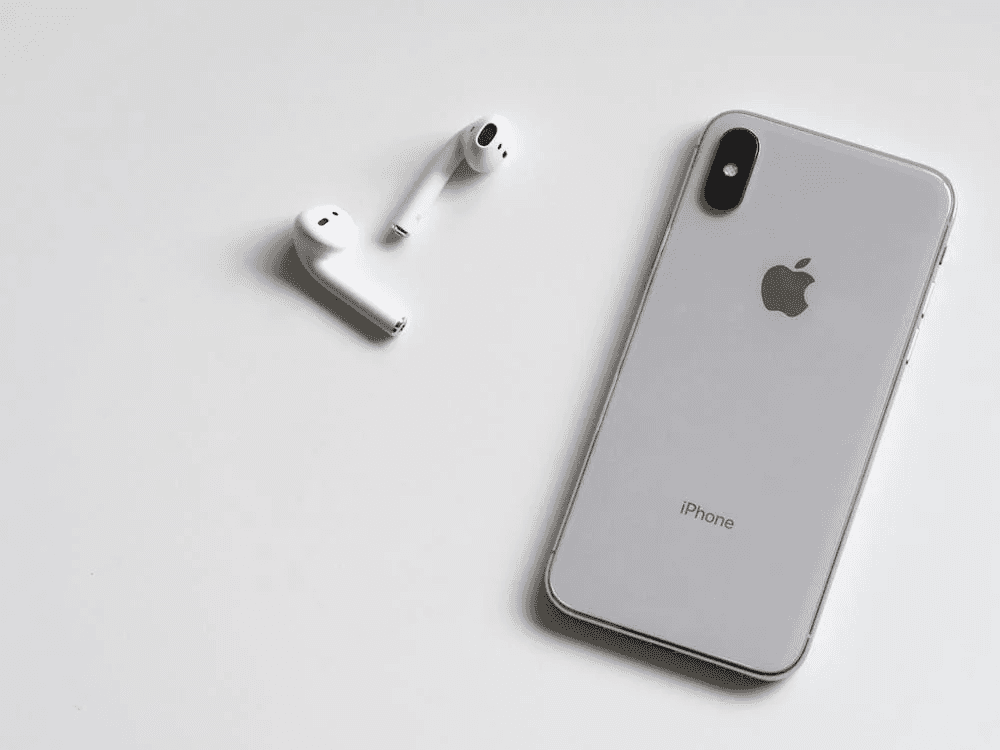
Introduction
Over time, apps on your iPhone store cached data that can take up space and slow performance. Clearing app cache helps free storage, fix glitches, and keep your device running smoothly.
What You'll Need
Steps
Open the Settings app on your iPhone.
Scroll down and tap General.
Tap iPhone Storage and wait for the app list to load.
Select the app you want to clear cache for.
Tap Offload App to remove cached data while keeping documents.
Reinstall the app from the App Store if needed.
Alternative Methods
• Restart your iPhone to clear temporary system cache
• Delete and reinstall the app to fully clear cache
• Clear browser cache from Safari settings
What NOT to Do
• Do not delete apps without backing up important data
• Do not use third-party cleaning apps that request excessive permissions
• Do not reset your iPhone unless absolutely necessary
FAQs
Does iPhone have a built-in clear cache button for apps?
No, iPhones do not offer a universal cache-clearing button. Cache is cleared by offloading or reinstalling apps.
Will offloading an app delete my data?
Offloading removes the app but keeps documents and data stored on your iPhone.
How often should I clear app cache on iPhone?
Clearing cache every few months or when storage is low is usually sufficient.
This article is for informational purposes only. Always follow manufacturer instructions and use proper safety precautions. You assume all risk for any actions you take based on this guide.
Articles
Read our latest guides
Discover step-by-step methods for removing stains and cleaning every type of surface.

How to Clean Oil Paint Brushes
Learn how to safely and effectively clean oil paint brushes without damaging the bristles.
Read more
How to Clean a Cricut Mat
Learn how to safely clean a Cricut mat without damaging its adhesive, so it stays sticky and ready for crafting.
Read more

How to Clean Acrylic Paint Brushes
Learn how to remove acrylic paint from your brushes before it dries, helping them last longer and perform better.
Read more