Introduction
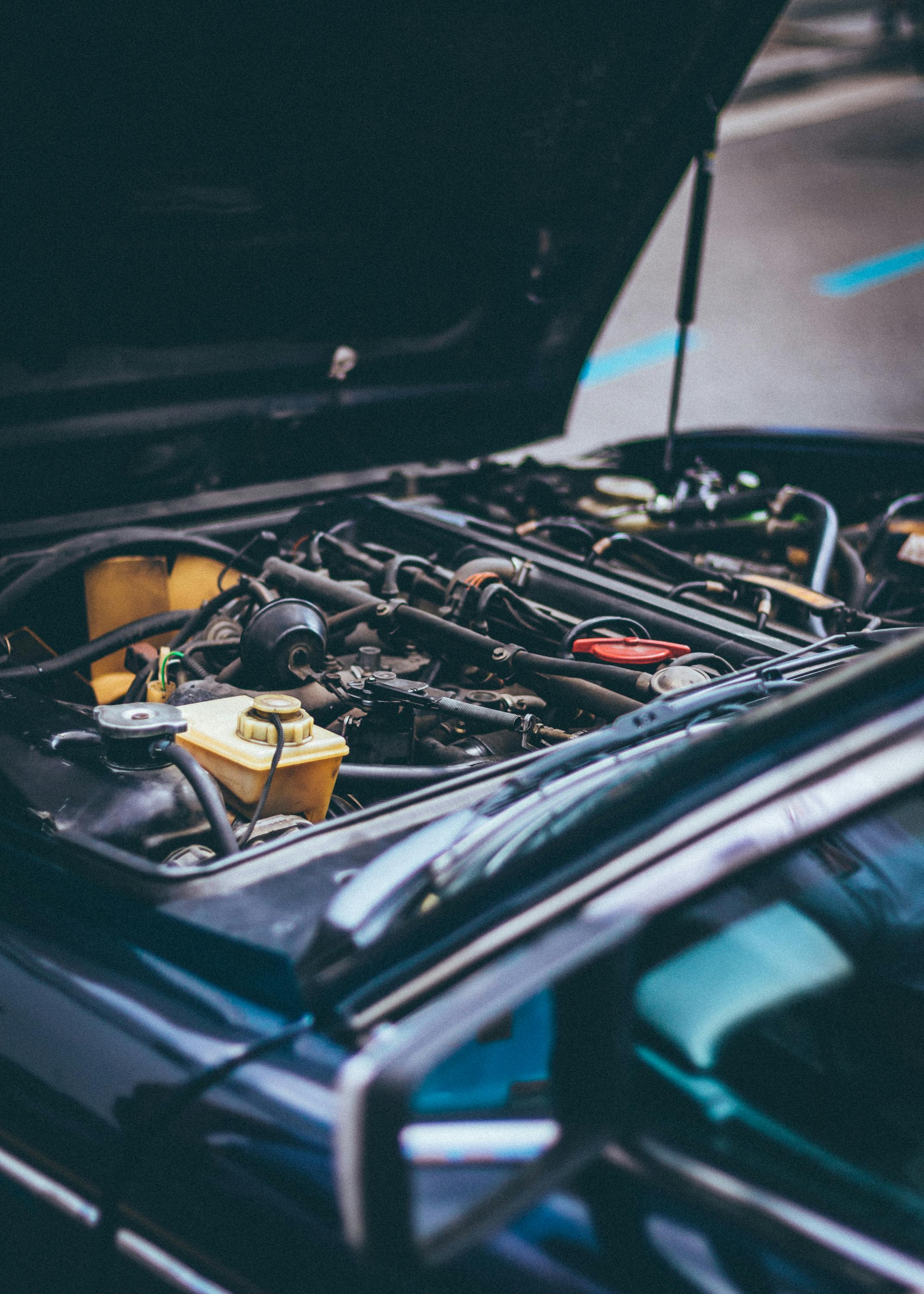
A dirty air mass meter—often called a MAF (Mass Air Flow) sensor—can lead to rough idling, poor fuel economy, and sluggish acceleration. Over time, dust and debris coat the sensor wires, causing inaccurate readings. Cleaning it properly can restore accurate airflow measurement and help your engine run smoothly.
What You'll Need
• Mass Air Flow (MAF) sensor cleaner
• Screwdriver or socket set (for sensor removal)
• Safety glasses
• Clean microfiber cloth
Steps
Turn off the engine and let it cool completely.
Disconnect the negative battery terminal to ensure safety.
Locate the air mass meter between the air filter housing and the engine’s intake.
Remove the sensor using the appropriate screwdriver or socket.
Hold the sensor carefully without touching the delicate internal wires.
Spray the MAF cleaner directly onto the sensor elements, using short, controlled bursts.
Allow the sensor to air-dry completely for at least 10–15 minutes.
Reinstall the sensor and reconnect the battery.
Start the vehicle to ensure smooth operation and improved performance.
Alternative Methods
• Electronic Parts Cleaner: Use only if labeled safe for MAF sensors; many are not.
• Professional Cleaning: A mechanic can clean or test the sensor if you’re unsure about doing it yourself.
• Sensor Replacement: If cleaning doesn’t improve performance, the sensor may be faulty and require replacement.
What NOT to Do
• Do NOT use compressed air—it can damage the sensor wires.
• Do NOT use household cleaners, brake cleaner, or carburetor cleaner.
• Do NOT touch the internal sensor filaments with your fingers or tools.
• Do NOT reinstall before it’s fully dry.
FAQs
Why is cleaning the air mass meter important?
A dirty MAF sensor sends incorrect airflow readings to the engine computer, which can cause poor fuel economy and rough running.
How often should I clean the sensor?
Most drivers clean it every 12–18 months or when noticing performance issues.
Will cleaning fix the check engine light?
If the light was triggered by airflow-related codes, cleaning may resolve the issue. If not, the sensor may need testing or replacement.
This article is for informational purposes only. Always follow manufacturer instructions and use proper safety precautions. You assume all risk for any actions you take based on this guide.
Articles
Read our latest guides
Discover step-by-step methods for removing stains and cleaning every type of surface.

How to Clean Oil Paint Brushes
Learn how to safely and effectively clean oil paint brushes without damaging the bristles.
Read more
How to Clean a Cricut Mat
Learn how to safely clean a Cricut mat without damaging its adhesive, so it stays sticky and ready for crafting.
Read more

How to Clean Acrylic Paint Brushes
Learn how to remove acrylic paint from your brushes before it dries, helping them last longer and perform better.
Read more